100x
UI
Back

iPhone 3D mockup

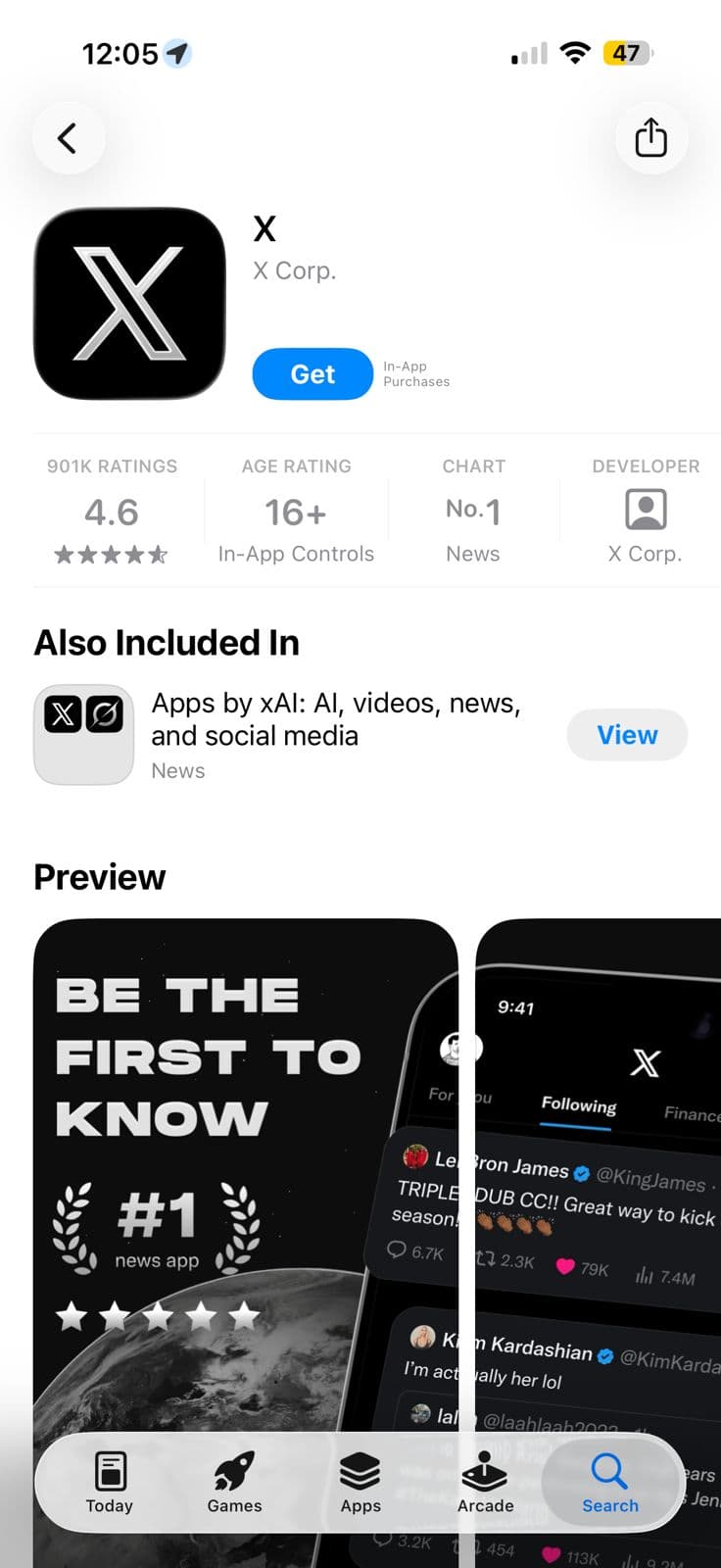
A 3D iPhone mockup to beautifully showcase your app on landing pages. It is built purely with React and CSS with no external dependencies, keeping your site fast.
API usage

components/iphone-3d-mockup.demo.tsx
"use client";

import { useSpring, useTransform } from "motion/react";
import { motion } from "motion/react";
import Image from "next/image";

import { IPhone3DMockup, IPhone3DMockupScreen } from "./iphone-3d-mockup";
import appStoreScreenshot from "@/public/demo/iphone-3d-mockup/app-store-screenshot.jpeg";

const MotionIPhone3DMockup = motion.create(IPhone3DMockup); // Creating a motion-enhanced version of the IPhone3DMockup component

export function IPhone3DMockupDemo() {
  const mouseXProgress = useSpring(0.1);
  const mouseYProgress = useSpring(0.9);

  const rotateX = useTransform(mouseYProgress, [0, 1], ["25deg", "-25deg"]);
  const rotateY = useTransform(mouseXProgress, [0, 1], ["-35deg", "35deg"]);

  const handleMouseMove = (e: any) => {
    const { width, height, x, y } = e.target.getBoundingClientRect();
    const mouseX = e.clientX;
    const mouseY = e.clientY;
    const relativeX = (mouseX - x) / width;
    const relativeY = (mouseY - y) / height;
    mouseXProgress.set(relativeX);
    mouseYProgress.set(relativeY);
  };
  [];
  const handleMouseLeave = () => {
    mouseXProgress.set(0.5);
    mouseYProgress.set(0.5);
  };
  return (
    <div
      className="py-20"
      onMouseMove={handleMouseMove}
      onMouseLeave={handleMouseLeave}
    >
      <MotionIPhone3DMockup
        style={{ rotateX, rotateY }}
        className="pointer-events-none mx-auto"
      >
        <IPhone3DMockupScreen>
          <Image src={appStoreScreenshot} alt="" className="h-full" />
        </IPhone3DMockupScreen>
      </MotionIPhone3DMockup>
    </div>
  );
}

Installation

CLI (recommended)

1
Run the command below to add the component to your project.
It will also generate the required base stylesheet if one doesn't already exist and guide you through setting up the import alias @/components/... if it isn't already configured.
pnpm dlx shadcn@latest add https://100xui.com/components/iphone-3d-mockup.json

Manual

1
Install the following dependencies.
pnpm add clsx tailwind-merge
2
Copy and paste the following code into your project.
100xui
components/iphone-3d-mockup.tsx
"use client";

import { cn } from "@/lib/utils";

export function IPhone3DMockup({
  children,
  className,
  ...props
}: React.ComponentProps<"div">) {
  return (
    <div
      className={cn(
        "relative flex h-[400px] w-[200px] items-center justify-center rounded-[45px] transform-3d",
        className
      )}
      {...props}
    >
      <div className="relative flex size-full [transform:translateZ(calc(0.05*200px))] justify-center rounded-[45px] bg-[#F1AF88] p-[2px]">
        {children}
        <div className="absolute top-[12px] z-30 flex h-[calc(0.04*400px)] w-[calc(0.28*200px)] justify-end rounded-full bg-black p-1">
          <div
            className="aspect-square shrink-0 rounded-full bg-black"
            style={{
              backgroundImage: `
          radial-gradient(circle at 50% 65%, rgba(100, 30, 140, 0.3) 0%, transparent 80%),
          radial-gradient(circle at 50% 50%, rgba(0, 150, 160, 0.25) 0%, rgba(0, 100, 120, 0.1) 25%, transparent 100%),
          radial-gradient(circle at 50% 50%, rgba(20, 30, 160, 0.3) 0%, rgba(10, 15, 80, 0.4) 20%, transparent 90%)
        `,
            }}
          />
        </div>
        <div className="absolute inset-x-0 inset-y-[45px] z-10 border-y-[3px] border-[#923B15]" />
        <div className="absolute inset-x-[45px] inset-y-0 z-10 border-x-[3px] border-[#923B15]" />
      </div>
      <div className="absolute inset-0 [transform:translateZ(calc(-0.05*200px))] rounded-[45px] bg-[#E46E3D]" />

      <div
        className="absolute inset-y-[45px] flex w-[calc(0.10*200px)] flex-col justify-around border-y-[3px] border-[#923B15] bg-[#E46E3D] px-[5px] [backface-visibility:hidden] transform-3d"
        style={{
          transform: "rotateY(90deg) translateZ(calc(200px*0.5)) ",
        }}
      >
        <IPhone3DMockupSideButton className="aspect-[0.17]" />
        <div
          className="bg-blue aspect-[0.17] w-full rounded-full bg-[#F1AF88]"
          style={{
            boxShadow: "rgba(170,71,27,1) inset 0px 0px 0px 1px",
          }}
        />
      </div>

      <div
        className="absolute inset-y-[45px] w-[calc(0.10*200px)] border-y-[3px] border-[#923B15] bg-[#E46E3D] px-[5px] pt-[10px] transform-3d"
        style={{
          transform: "rotateY(-90deg) translateZ(calc(200px*0.5))",
        }}
      >
        <div className="space-y-3 transform-3d">
          <IPhone3DMockupSideButton className="aspect-[0.6]" />
          <div className="space-y-1.5 transform-3d">
            <IPhone3DMockupSideButton className="aspect-[0.25]" />
            <IPhone3DMockupSideButton className="aspect-[0.25]" />
          </div>
        </div>
      </div>
      <div
        className="absolute inset-x-[45px] h-[calc(0.10*200px)] border-x-[3px] border-[#923B15] bg-[#E46E3D]"
        style={{
          transform: "rotateX(90deg) translateZ(calc(400px*0.5))",
        }}
      />
      <div
        className="absolute inset-x-[45px] h-[calc(0.10*200px)] border-x-[3px] border-[#923B15] bg-[#E46E3D]"
        style={{
          transform: "rotateX(-90deg) translateZ(calc(400px*0.5))",
        }}
      />
    </div>
  );
}

export function IPhone3DMockupScreen({
  children,
  className,
  ...props
}: React.ComponentProps<"div">) {
  return (
    <div
      className={cn(
        "relative isolate z-20 size-full overflow-hidden rounded-[calc(45px-2px)] border-[4px] border-black bg-white",
        className
      )}
      {...props}
    >
      {children}
    </div>
  );
}
function IPhone3DMockupSideButton({
  className,
  ...props
}: React.ComponentProps<"div">) {
  return (
    <div
      {...props}
      className={cn(
        "flex aspect-[0.17] w-full justify-center rounded-full transform-3d",
        className
      )}
    >
      <div className="absolute inset-0 rounded-full bg-[#923B15] shadow shadow-[#AA471B]" />
      <div
        className="absolute inset-0 rounded-full bg-[#F1AF88]"
        style={{
          transform: "translateZ(3px)",
        }}
      />
      <div
        className="w-[3px] border-[#923B15] bg-linear-to-r from-[#923B15] to-[#F1AF88] to-95%"
        style={{
          transform: "rotateY(-90deg) translateX(50%)",
        }}
      />
    </div>
  );
}
3
Finally, Update the import paths to match your project setup.

API reference

<IPhone3DMockup/><IPhone3DMockupScreen/>

PropsTypeDescriptionDefault value
props
React.ComponentProps<"div">
Any standard React div props, like children, id, style or className, which will be applied directly to the component's root element.
undefined